
Product Comparison
Compare Products Side by Side Across Your Market
Evaluate how your products perform against comparable alternatives using structured, like-for-like comparisons across specifications, pricing, and customer perception.

Are You Comparing the Right Products?
Real challenges in product comparison
- Product comparisons are often too generic and not based on true similarities
- It’s difficult to evaluate how your product stands out within a specific segment
- Ratings, reviews, and specifications are scattered across different sources
- You lack a clear view of which competitors are outperforming you
- Market saturation and density are hard to quantify
For example, comparing Refrigerators only by category is not enough. You need to analyze a precise segment such as: 2-door refrigerators with bottom freezer, energy class B, capacity between 300–400L, and compare how each product performs side by side in terms of price, features, and customer ratings.

The Benefits of Side-by-Side Comparison
See exactly how your products perform
Side-by-side comparison gives you a clear and structured view of how your products perform within each segment, across features, pricing, and customer perception.
- Compare products using ratings, reviews, and key specifications in one unified view
- Understand how your product stands out (or not) against similar alternatives
- Identify top-performing competitors within each segment
- Measure market density and saturation to assess competitiveness
- Support better pricing and positioning decisions with real product-level data
With detailed comparisons, brands and retailers can evaluate products within the same segment – such as refrigerators with similar specifications – to understand pricing, promotions, and performance, and make better decisions when positioning or pricing existing and new products.
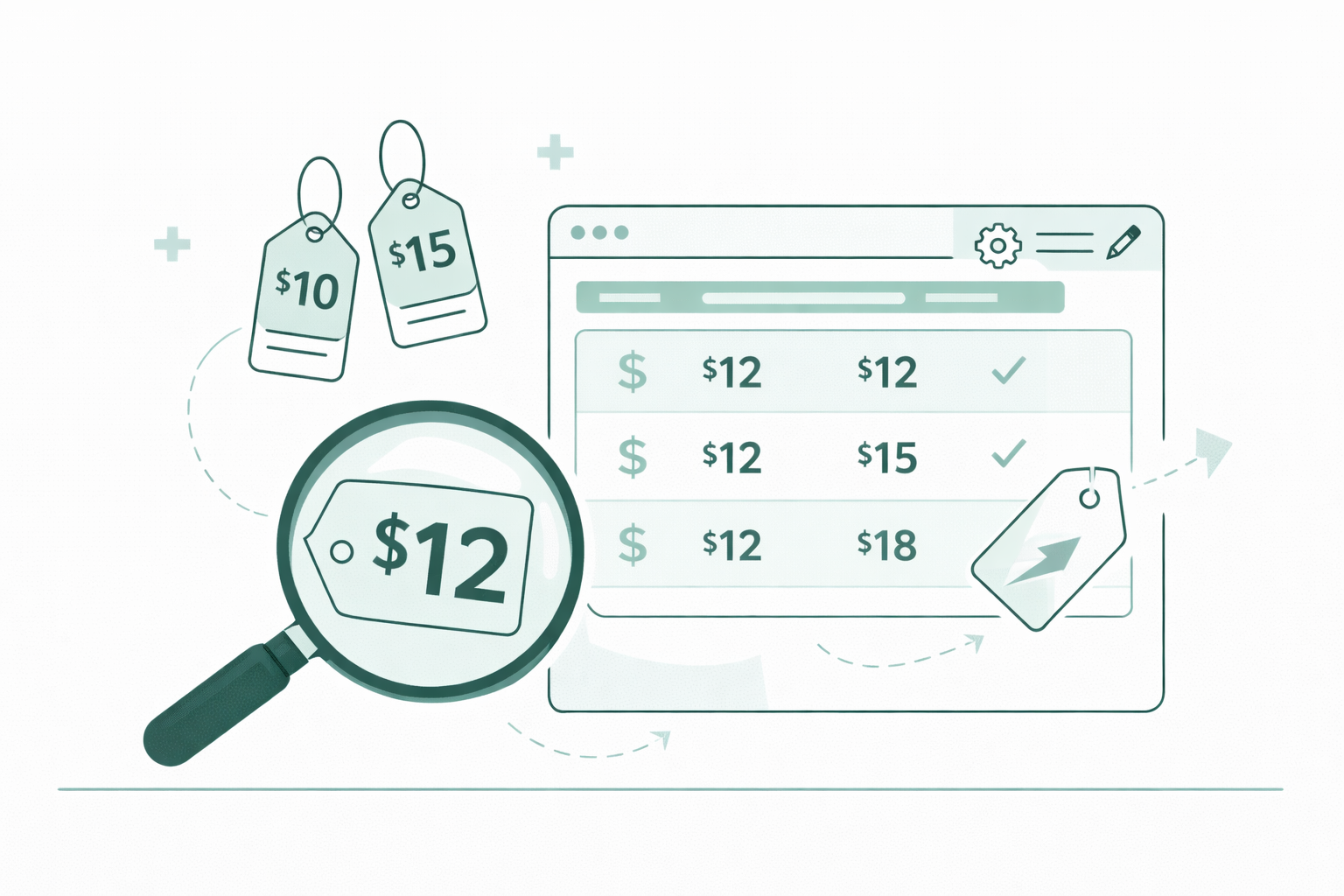
Compare Products with Precision
Flexible comparison across segments and competitors

Analyze products side by side within tailored segments, using advanced filters to focus on the most relevant competitors, brands, and price ranges.
- Compare products within specific segments using detailed specifications
- Refine comparisons by filtering competitors’ websites, brands, and price ranges
- Focus on the most relevant product sets for accurate benchmarking
- Identify competitive positioning and pricing differences within each segment
- Export structured comparison data for reporting and deeper analysis
How it works
Side-by-Side Comparison Built on Structured Data
Our system organizes comparable products into structured views, allowing you to analyze performance across multiple dimensions in a single place.
- Select or build segments based on product specifications
- Automatically align comparable products across competitors
- Compare attributes, pricing, and customer signals side by side
- Continuously update data with new products and changes
- Export comparison data for reporting and strategic analysis
Testimonials


Make Better Product and Pricing Decisions
Understand exactly how your products perform in context and take action with confidence.
- Improve positioning by identifying strengths and weaknesses
- Adjust pricing based on direct product comparisons
- Focus on features that drive better performance and perception
- Compete more effectively within each product segment
Get in Touch with Us
Schedule a call with our team!
FAQ - Benchmarking Module
The primary purpose is to provide a comprehensive market view of product offerings, allowing users to analyze comparable, similar, and new products offered by competitors, and to facilitate competitive analysis by highlighting market positioning, identifying assortment gaps, and tracking pricing trends.
Users navigate to the top menu and select Benchmark.
Once a category is selected (e.g., Vacuum Cleaners), the system automatically populates specification filters that are relevant only to that specific product type (e.g., Power Supply for vacuums vs. Operating Pressure for pressure washers).
Users can utilize the Price From and Price To fields to isolate specific price bands (e.g., the $80–120 range) to analyze direct competition within specific value tiers.
Users can refine the dataset using Brand Selection (specific competitors/manufacturers), Product Specifications (attributes like "Dust Collection Type"), and Price Segmentation (Price From and Price To fields).
Clicking "Show Sites" expands the view to display all retailers holding a specific product, allowing users to view current pricing across all retailers for identical items.
Clicking on a specific product name opens the detailed view, which includes a Price History feature that displays a historical graph of price fluctuations for that product.
Users can identify seasonality, promotional periods, and competitor pricing strategies (drops or increases) to inform their own pricing and inventory decisions.
The system generates a standardized product name based on primary specifications for consistency, but the detailed view also lists the specific naming conventions used by each competitor on their respective websites.
Users select a product, click Find Similar Products, and then create a new filter based on specific attributes of the selected item (e.g., "Cordless" and "Bagless") to generate a list of products that share these technical specifications, regardless of brand.
Users use the checkboxes next to the product names in the main table to select items for comparison.
The comparison view displays product images, current pricing, previous pricing (indicated by strikethroughs), and technical specifications side-by-side. Items can also be removed instantly to refine the view.
The Segments feature allows users to save specific, configured filter settings (e.g., "Cordless, Bagless, under $300") for recurring use, eliminating the need to manually rebuild filters when tracking specific competitive sets.
The user can click Save to overwrite the current segment with the new criteria, or click Save As to create a new, separate segment based on the modifications.